


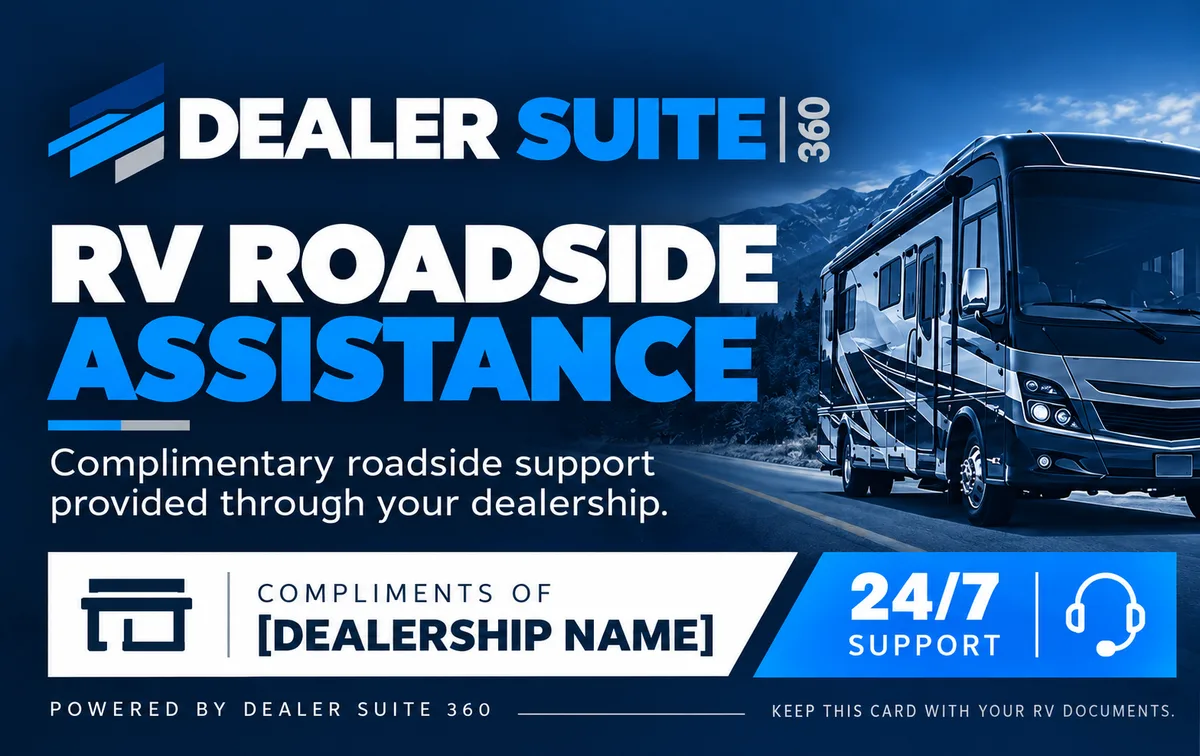
Powered by Dealer Suite 360
RV RoadsideAssistance
Complimentary roadside support provided through your dealership.
Keep this card with your RV documents.
Need roadside help?
Three steps to get help on the way
The same steps are printed on the back of your card, so you have them even without a signal for this page.
- 1 Call Roadside Assistance.
- 2 Have your Member ID and VIN ready.
- 3 Move to a safe location away from traffic when possible.
Call the roadside number printed on the back of your card.
If anyone is hurt or in danger, call 911 first.
Have this ready when you call
What’s included
From your first call to help at your RV
One call starts it all, 24 hours a day, 7 days a week. Roadside handles the coordination so you can stay with your RV and your family.
Towing coordination
When your RV can’t continue, roadside arranges the tow for you, matched to the unit registered to your membership.
Dispatch
A service provider is sent to your location. No calling around to find someone who will come.
ETA & driver updates
Know when help will arrive, with updates on the driver while you wait.
Local coverage
Help comes from service providers near you, wherever local service is available.
Your card
Keep this card with your RV documents
Your card holds everything roadside will ask for. Keep it in the RV with your registration and insurance, not at home.
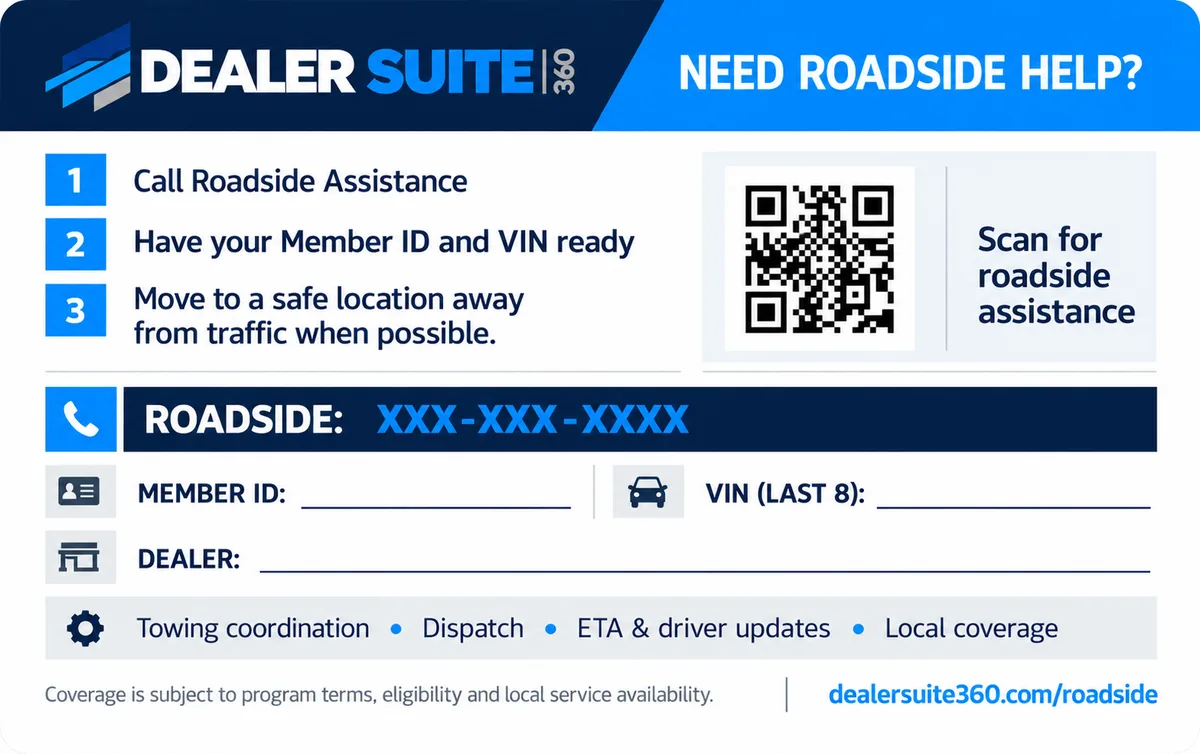
Sample card. Yours shows your dealership’s name and the roadside number.
Compliments of your dealership
A thank-you from the people who sold you your RV
Your dealership provides this roadside support at no cost to you, so a breakdown never leaves you on your own. For questions about your membership or your card, contact your dealership.
Dealer Suite 360 runs the program on your dealership’s behalf.
Are you an RV dealer?
Give your customers complimentary roadside assistance, with cards like this one, through Dealer Suite 360.
See the dealer programRoadside questions
Do I pay anything for roadside assistance?
Is roadside available at night and on weekends?
What should I have ready when I call?
What does it include?
Where do I find my VIN?
I lost my card. What should I do?
Who provides this program?
Coverage is subject to program terms, eligibility and local service availability.